
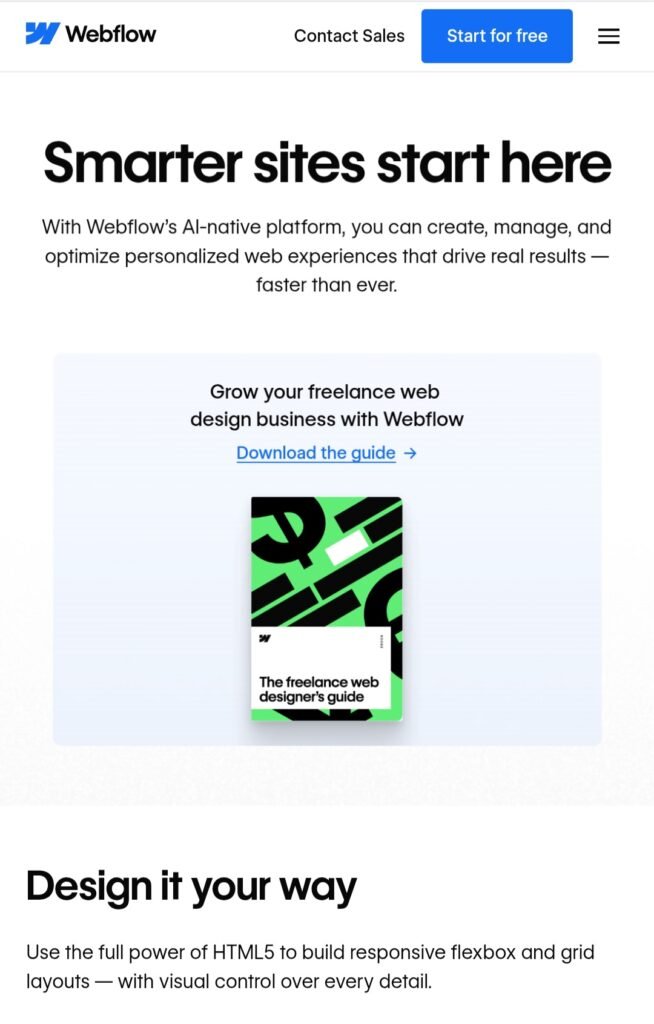
Building a website used to feel complicated—coding, plugins, and endless setup. But today, tools like Webflow have made it much easier, even if you’re just starting out.
If you’ve been thinking about creating your own website but didn’t know where to begin, this guide will walk you through the process step by step in a simple and practical way.
Why Choose Webflow?
Before jumping in, it’s worth understanding why many beginners and creators are choosing Webflow.
Unlike traditional website builders, Webflow gives you more design control while still being beginner-friendly. You don’t need to write code, but you can still build a professional-looking site that feels custom.
Step 1: Create Your Account
Start by signing up on Webflow. The process is quick, and you can begin with a free plan.
Once you’re inside, you’ll see your dashboard. This is where you’ll manage all your projects.
Step 2: Choose a Template (or Start from Scratch)
Webflow gives you two options:
- Use a ready-made template
- Start with a blank canvas
If you’re new, it’s easier to begin with a template. It saves time and helps you understand how everything is structured.
Step 3: Understand the Editor
At first, the Webflow editor might look a bit overwhelming—but don’t worry, you’ll get used to it quickly.
Here’s what matters:
Canvas → where you design your siteElements panel → add text, images, buttonsStyle panel → control colors, fonts, spacingTake a few minutes to click around and explore.
